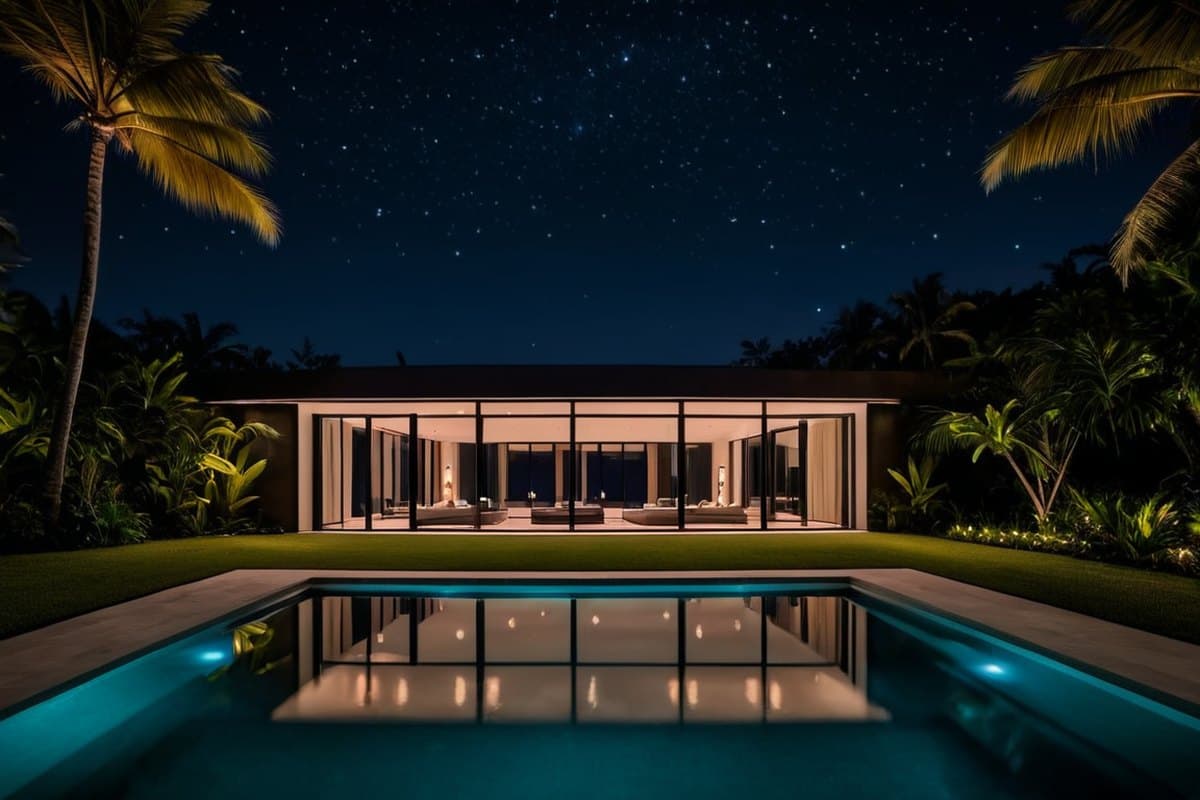
Welcome home
Your Residence
- All 6 doors locked
- 6 cameras live
- Music in 5 rooms
- 7 lights on
- Inside 72° · 2 zones running
- Gate closed
Where to?a dot marks anything running right now
At a glancelive from the house, refreshed every ten seconds
- Doors6/6every door locked
- Cameras66 with a live picture · 6 reachable
- Playing now5Pool, Living room, Outdoor kitchen, Terrace, Gym
- Inside72°Living room and Gym cooling
Start with a ballpark
Four questions, two minutes, a number on the spot for most houses. If yours needs a conversation first, we will say so and a person will reach out.
Get a quoteThe app
What it runs
Ten systems, one screen. It opens from an icon on your phone and reaches the house from anywhere over a private line.
Cameras
Live view from any recorder that speaks RTSP, never uploaded.
Lighting
Every Lutron RadioRA 2 load, by room.
Climate
Every Nest zone, and a warning when a unit fails.
Music
Sonos by room, grouped, or the whole house.
Televisions
Full remote, app launch, wake from sleep.
Locks
Lock all, status, a daily self-test, battery warning.
Gates
Open, watch, and a log of every opening from the app.
Vacuum
Clean a room from the map, or dock it.
Scenes
Good Night, Movie Night, Whole-House Audio, Every Room Its Own.
Network
Your Wi-Fi, and everything on it.
- Cameras
- Lighting
- Climate
- Music
- Televisions
- Locks
- Gates
- Vacuum
- Scenes
- Network
What each one does
- Cameras Live view from any recorder that speaks RTSP, never uploaded.
- Lighting Every Lutron RadioRA 2 load, by room.
- Climate Every Nest zone, and a warning when a unit fails.
- Music Sonos by room, grouped, or the whole house.
- Televisions Full remote, app launch, wake from sleep.
- Locks Lock all, status, a daily self-test, battery warning.
- Gates Open, watch, and a log of every opening from the app.
- Vacuum Clean a room from the map, or dock it.
- Scenes Good Night, Movie Night, Whole-House Audio, Every Room Its Own.
- Network Your Wi-Fi, and everything on it.
Compared
What makes it different
Published dealer comparisons put a Control4 or Savant job at $15,000 and up, with most of your equipment replaced and a yearly fee on top. We connect what is there.
Compare, row by row
Existing equipment
Dealer systemsMost of it gets replacedPapaHomeStays. We connect itOngoing fees
Dealer systemsDealer subscriptions reported at $300 to $1,200 a yearPapaHomeNone. Nothing to pay to keep it runningMaking changes
Dealer systemsOnly their dealer, when they get to itPapaHomeUs. We wrote it, so a change is a conversationCameras
Dealer systemsTheir brands only, through their cloudPapaHomeThe recorder you already have, over RTSP. No camera cloud, no subscriptionInternet down
Dealer systemsSome things keep workingPapaHomeMusic, TVs, cameras and Wi-Fi keep working. Lights, AC, locks and gates need it, for nowWatching the house
Dealer systemsExtra, if they offer it at allPapaHomeBuilt in
| Control4, Savant, Crestron | PapaHome | |
|---|---|---|
| Existing equipment | Most of it gets replaced | Stays. We connect it |
| Ongoing fees | Dealer subscriptions reported at $300 to $1,200 a year | None. Nothing to pay to keep it running |
| Making changes | Only their dealer, when they get to it | Us. We wrote it, so a change is a conversation |
| Cameras | Their brands only, through their cloud | The recorder you already have, over RTSP. No camera cloud, no subscription |
| Internet down | Some things keep working | Music, TVs, cameras and Wi-Fi keep working. Lights, AC, locks and gates need it, for now |
| Watching the house | Extra, if they offer it at all | Built in |
Watching
It notices when something is wrong
The app notices when something is wrong and tells us before you notice. Each of these rules came from a real night in a Miami house this summer.
The power dropped for 36 minutes and nine wired devices never came back. Two facts nobody had put together for four days. Now the app puts them in one sentence.
A door lock read 15 percent battery while the door sat unlocked. Now you hear about it before the lock stops motoring.
An air conditioner reported cooling for two hours while the room warmed and the humidity climbed. A working unit dries a room even when it cannot cool it, so flat humidity means a fault. Now it is a rule.
The process
How a setup runs
About four to five weeks from the first call to the handoff.
A first call
What is in the house, what you want in one app, and whether we are the right fit. We only take on houses with professional gear, or a clear plan to add it.
The survey
Two to three hours on site. We identify every device by its hardware address, list every account that has to move to your name, and you see the app running that day. The fee is credited to the setup.
A firm quote
Priced per phase, firm at the walkthrough. You approve each number before that phase starts, and a deposit starts the first one.
The takeover
Your written authorization first. Then every account and device moves under your control, away from whoever installed it, and every password is rotated.
One app, live
The brain goes on the rack, systems fold in one by one, the alerts switch on, and the family gets their sign-ins.
The handoff
A binder, training, the plan if you want one, and a check-in call thirty days later.
Fit
Who this is for
You just bought the house
It came with someone else's system in the walls: their installer still holds the Wi-Fi, six apps, passwords nobody handed over. You want it to work, in one place, without paying a dealer to rip it out.
You are building or renovating
Your contractor and designer are already specifying Lutron and Sonos. You want one app from day one and someone who will still answer in three years.
You are not always there
A second home. You want to know the house is fine without being in it. For you the watching is the product and the app is the bonus.
Principles
How we work
- Written authorization before we touch hardware someone else installed.
- We track devices by hardware address, because network addresses change on every reset.
- We never guess passwords on equipment a third party manages.
- We price per phase, so you approve each number before that phase starts.
- Nothing changes in your house without your say.
Questions
Questions we get
The ones every first call starts with.
Is there an app?
Yes. It opens from an icon on your phone or tablet like any other app, and there is no PapaHome app to find in a store. It runs on a small computer in your house, not in someone's cloud, and a laptop can open it too. To reach it from outside the house your phone runs one small connection app, which we set up at the handoff.
Does it work when I am away?
Yes. Your phone reaches the house over a private, encrypted line. The house is never opened to the internet and there is no port forwarding. The app answers from inside the house. The systems that need their maker's cloud still use it, and the next answer says which.
What keeps working when the internet is down?
Music, TVs, cameras and Wi-Fi, because the app talks to them inside the house. Lights, air conditioning, locks and gates still go through their makers' clouds, so for now they need the internet.
Do you replace my Lutron, Sonos or cameras?
No. We connect what is there. If the survey finds something missing or worn out, we say so before anyone spends money.
Who holds the passwords?
You do. Every account moves into your name during the takeover and every password is rotated. The binder you get at the handoff lists all of it.
What happens at the survey?
Two to three hours at the house. We identify every device by its hardware address, list every account that has to move to your name, and you see the app running that day. The fee is credited to your setup.
Can I cancel the plan?
Any time. What stops is the watching, the support, the updates and the yearly password rotation. The app itself keeps running.
What about my alarm company?
Nothing changes there. The alarm panel stays with its monitoring company. When alarm status comes to the app, in a later phase, you see armed, disarmed and open sensors. The monitoring still belongs to them.
My house runs on Control4, Savant or Crestron. Is it a fit?
Sometimes. Behind a dealer processor there can be ordinary Lutron, Sonos and camera equipment, and where that is true we can connect it directly. Some things stay with the dealer either way: Savant will not enroll a house until a dealer claims it. Tell us on the quote page and a person looks before anyone quotes.
What if Papa Corporation is gone one day?
You are not locked to us. Every account is in your name, the binder holds every login and the layout of every system, and each system keeps working in its maker's own app the way it did before. The app itself is on a computer in your house, so nothing is switched off from outside. Parts of it need someone to keep them signed in, which is what the plan buys.
Next step
Start with a ballpark
Four questions, two minutes, a number on the spot for most houses. If yours needs a conversation first, we will say so and a person will reach out.